
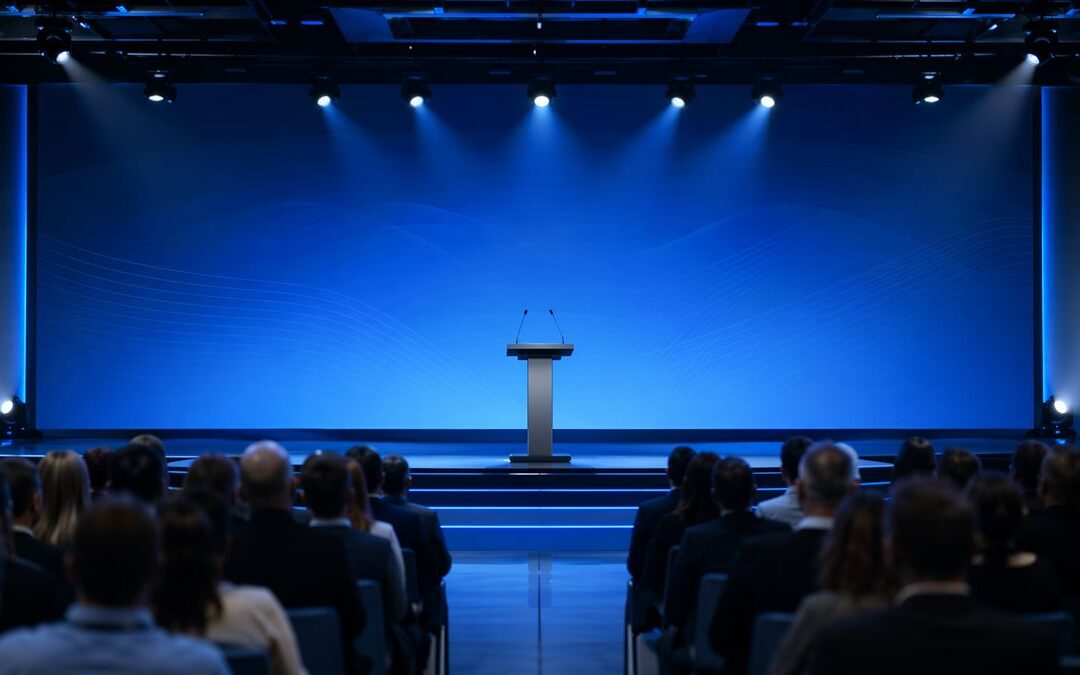
Leadership Town Hall Production Checklist for Hybrid Companies is written for the teams who own employee communication but get stuck when the meeting link isn’t enough. The familiar problem: executives need to deliver clear direction, but hybrid formats create inconsistent experiences — in-room audiences hear and see one thing while remote attendees miss cues, audio clarity, or slide context. This leadership town hall production checklist focuses on the production items that protect the message, the leader, and the long-term value of the content.
This guide pulls practical elements from corporate communications practice and hybrid-event work. The point is simple: plan production around the audience intent — rehearsals, camera blocking, captions, and a clear recording handoff — and the event becomes an asset instead of a one-off stress point.
Ready to Elevate Your Corporate Video Production?
ICV Digital Media delivers professional video production, live streaming, and event coverage for Fortune 500 companies and regional teams nationwide. Book a free 30-minute strategy call.
Why hybrid town halls need production planning, not just meeting links
Town halls are one of the few times leaders speak directly to the whole company. In a hybrid setup, a missed microphone, a sloppy slide change, or a disconnected remote presenter isn’t just technical friction — it erodes trust. AVIXA and internal-communications research consistently show that technical infrastructure, rehearsals, audience engagement, and post-event access are core to success. Treat the town hall like a broadcast with a clear run of show and you reduce last-minute fixes and executive anxiety.
Leadership town hall production checklist — pre-event essentials
Start with objectives and executive approval. Confirm the purpose, the top three takeaways, and who must sign off before the event. Build the run of show around those moments and assign ownership for each cue.
- Run of show: minute-by-minute cues, camera shots, and slide timings.
- Speaker prep: briefing documents, one-on-one speaker calls, and a mic check script.
- Rehearsal plan: schedule a tech rehearsal and a full dress run with camera blocking and live Q&A practice.
- Slides & media: 16:9 formatting, embedded video codecs checked, lower-thirds pre-approved, and a versioning system for last-minute edits.
- Accessibility: captions, live transcript vendor or tool, and alt-text for shared assets.
- Technical checklist: audio chain, mix-minus for remote callers, camera positions, lighting plan, encoder settings, and local recording paths.
- Backup paths: secondary internet, spare encoders, cellular bonding options, and a local-recording fallback with clear switchover steps.
- Sponsor deliverables & legal: confirm logo placement, playback rights for videos, and executive approval windows.
- Recording handoff: name the post-production owner, file naming standard, and metadata needed for reuse.
The live-event checklist
Assign roles and keep leaders focused on messaging. Run the show from a small ops desk: producer, A1 audio, vision switcher, caption operator, and a stage manager who handles speaker flow. The producer watches timing and the executive approval queue; the stage manager handles real-time speaker prep and camera blocking.
- Audio: monitor levels, check house/remote mixes, and record a clean ISO track per speaker when possible.
- Camera blocking: predefined shots (wide, two-shot, close-up) and director cues for camera switching.
- Q&A & moderation: triage remote questions, surface prioritized items to the moderator, and close the loop with agreed follow-up owners.
- Monitoring: stream health, chat moderation, and a visible tally for speakers so they know when they are live.
- Redundancy: automatic encoder failover and a local backup recording that can be used for immediate post-event clips.
The post-event checklist
The stream ending is the start of content work. Define the deliverables and timeline before you wrap: captions, timestamped chapters, highlight clips, and an internal FAQ that answers questions pulled from the chat. Make the recording handoff deliberate — include raw files, ISO audio, a cut list, and a metadata sheet for search.
- Captions and transcript QA, then embed on the intranet.
- Create short clips tied to the run of show timestamps for executive review and approval.
- Archive master files with clear retention and access instructions.
- Share analytics and a short recap to leaders that ties engagement to follow-up actions.
| Stage | What to Confirm | Risk Reduced |
|---|---|---|
| Pre-production | Run of show, speaker roles, slides, videos, Q&A flow | Confusion and last-minute changes. |
| Technical rehearsal | Audio, camera, stream, remote presenters, backups | Poor sound, delays, or failed handoffs. |
| Live production | Monitoring, moderation, chat, timing, recording | Remote audience disengagement. |
| Post-event | Captions, chapters, clips, recap, intranet post | Lost value after the event ends. |
How long should we schedule rehearsals for a leadership town hall?
Short answer: it depends on complexity, but plan for two rehearsals. A 30–60 minute technical rehearsal covers mics, cameras, and remote links. Schedule a second full dress rehearsal (60–120 minutes) that runs the entire show end-to-end with camera blocking and Q&A. Add extra time if you have multiple remote presenters or pre-recorded video elements that must be cued precisely.
What backup paths should you build for livestream failures?
Expect a failure and build at least two independent backup paths: redundant internet uplinks (wired + cellular bonding), a secondary encoder/stream key, and a local hard-disk recording. Document a clear switchover procedure so the producer can move to the backup without asking executives to improvise on stage.
How do we keep the remote attendee experience equivalent to in-room?
Design separate but synchronized experiences: a dedicated remote mix (audio tailored for headphones), camera framing that includes speaker and shared slides, a moderator who repeats in-room questions for remote viewers, and active captioning. Test the full remote view during rehearsal so the director can anticipate what remote attendees see when the camera changes.
Related ICVDM resources
- Hybrid event production planning
- Sales kickoff production playbook
- Corporate town hall engagement strategies
- Questions to ask a corporate event production company
ICVDM production note
In the field we run two-stage rehearsals: first a mic and signal check with the production team, then a full run with leaders and the moderator. Mark the stage floor for camera blocking, give speakers a one-page cue sheet with timing, and capture an ISO recording for each mic so post can produce clips without audio artifacts. Those small steps save hours in post and prevent awkward on-stage corrections.
Final takeaway
Plan the production like a broadcast: clear run of show, rehearsals, backup paths, and a defined recording handoff. Doable checklists cut stress, protect leaders’ time, and make the town hall content reusable. ICVDM helps teams plan, produce, livestream, and repurpose leadership town halls so remote and in-room audiences receive the same useful experience.
References
calendly.com/icvryanrollins/30min”>Book a 30-minute ICVDM production consultation to discuss the production needs, risks, and next steps for your corporate event.
Ready to turn this into a stronger executive video program?
Book a 30-minute strategy call
If you are planning town halls, sales kickoffs, leadership updates, livestreams, or a year-round video content engine, Imageinators can help map the production path, reduce execution risk, and identify the highest-leverage content opportunities.
Plan a Better Corporate Event, SKO, or Livestream
If your team is planning a sales kickoff, leadership meeting, town hall, webcast, or hybrid event, use the form below to start a conversation with ICVDM.