
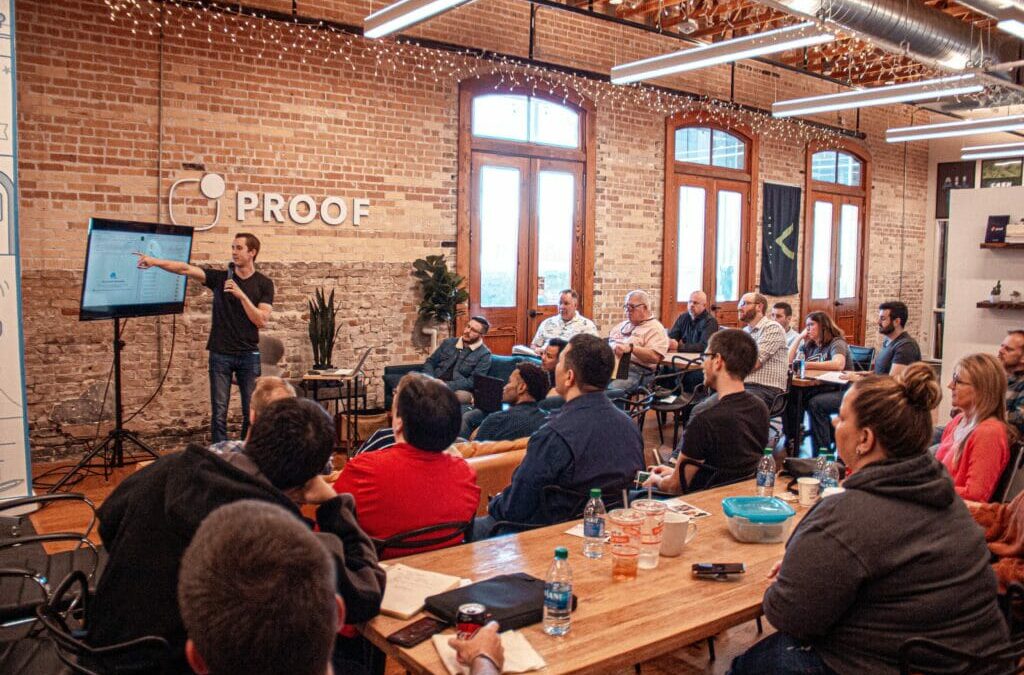
What’s the difference between an All Hands Meeting vs. a Town Hall?
If you’re a business professional, you’ve likely been to an all hands meeting. But what is an all hands meeting, and how is it different from a town hall? Let’s break down the differences between these two types of meetings and help you decide which one is right for your business.
All Hands Meeting vs Town Hall
All hands meetings and town hall meetings are two types of gatherings that are often used to share important information with a large group of people. All-hands meetings are typically held by businesses or organizations in order to update employees on company news or changes. Town hall meetings, on the other hand, are public forums where citizens can voice their concerns or ask questions of their elected officials.
Both types of meetings can be useful for exchanging information, but they differ in terms of format and audience. All-hands meetings are usually more formal, with one or a few designated speakers sharing information with the entire group at once. Town hall meetings are usually more informal, giving members of the audience a chance to address the group directly.
As a result, all-hands meetings are better suited for sharing facts and figures, while town hall meetings are better for open dialogue and debate.
That being said, many companies do use the term “town hall meeting” interchangeably with “all hands meeting” – which can definitely make things more confusing. In some cases, this may also refer to the frequency and format. Certain companies may say that a town hall meeting is a smaller, more frequent version of an all hands meeting.
Either way, just know that if you hear a manager or executive say that your team is going to have a town hall meeting, it’s the same thing as an all hands meeting.
What happens at an all hands meeting?
All hands meetings are a chance for the entire team to get together and stay up-to-date on company developments, upcoming projects, and relevant news. This type of meeting is usually led by a CEO or other senior executive, and it provides an opportunity for employees to ask questions and provide feedback. All hands meetings can help to boost morale and improve communication among team members. They can also be a useful tool for introducing new initiatives or products. Ultimately, all hands meetings are designed to ensure that everyone is on the same page and working towards the same goal.
What happens at a town hall meeting?
A town hall meeting (that’s not at work) is a type of meeting where members of the public can gather to discuss important issues with their elected officials.Town hall meetings usually take place in a public venue, such as a town hall, church, or library.
During the meeting, members of the public are given the opportunity to ask questions and voice their opinions on the issues being discussed. The elected officials then respond to the questions and concerns raised. Town hall meetings provide an important forum for discussion and debate on the issues that matter most to the community. They also offer an opportunity for elected officials to hear directly from their constituents.
Related Content: How to introduce yourself in an all hands meeting
How to get started with an all hands meeting
Before you can jump into an all hands meeting, there are a few things you need to do in order to set the stage for success.
First, you need to come up with an all hands meeting agenda. This will help to keep the meeting focused and on track.
Once you have an agenda, you need to send out invitations to all of the attendees. Be sure to include the date, time, and location of the meeting, as well as any other relevant information.
Afterwards, you need to prepare a presentation and assign speakers and roles. This presentation should give an overview of the topics that will be discussed during the meeting.
And finally, it’s important to make sure you prepare accordingly. If you need to have a hybrid or virtual setup, you’ll need to find the right tools and streaming partner. This will ensure a seamless experience that allows people to attend your all hands meeting from anywhere on any connected device.
Need help with an upcoming all hands meeting?
We’d love to help. Our team has experience pulling off all hands meetings of all different shapes and sizes. Reach out to us if you’d like to learn more about our live streaming and video production capabilities.