
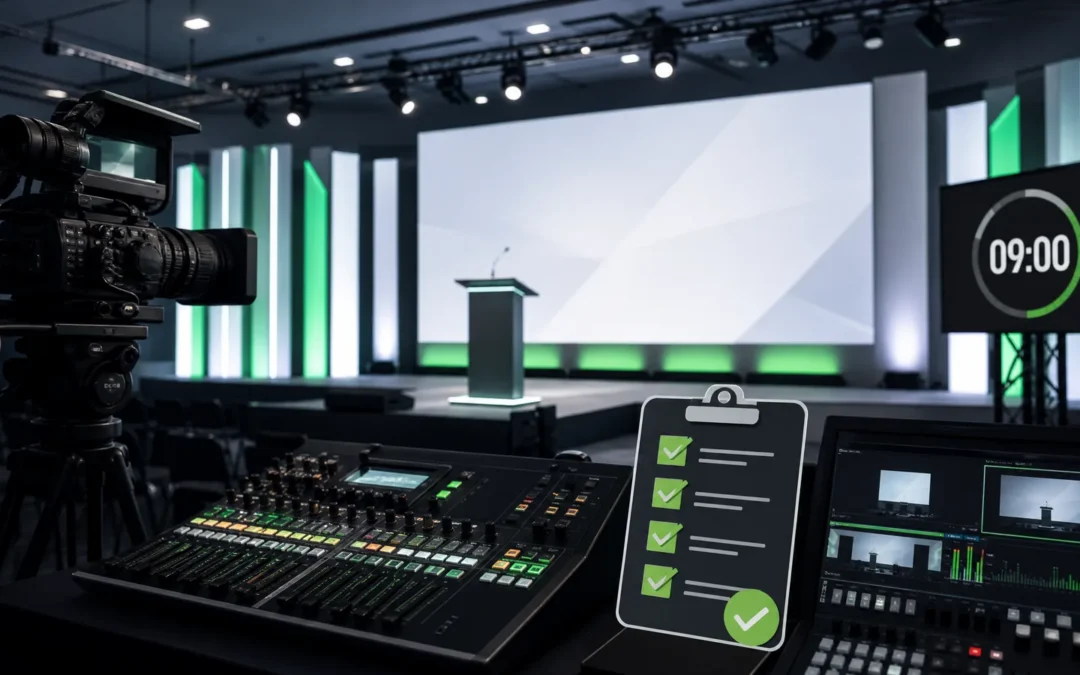
Your executive keynote is not the place to discover that the room audio is uneven, the camera angle is unflattering, the stream delay is confusing, or remote attendees cannot read the slides. The real buyer problem is simple: senior leaders need their message protected so the sales force, managers, and partners can act on it immediately — not after rewinding a poorly captured replay.
This sales kickoff broadcast checklist focuses on the production fixes that prevent preventable failures: rehearsal, run of show, audio, camera blocking, speaker prep, remote attendee experience, and a clear recording handoff for post-event use.
Ready to Elevate Your Corporate Video Production?
ICV Digital Media delivers professional video production, live streaming, and event coverage for Fortune 500 companies and regional teams nationwide. Book a free 30-minute strategy call.
frequently asked questions about the sales kickoff broadcast checklist
why does this checklist matter for corporate event teams?
Because a missed cue or bad stream doesn’t just frustrate viewers — it reduces adoption of the message. Use the checklist to align objectives, technical run of show, speaker prep, and the replay strategy so leaders’ announcements land for everyone who needs them.
how should planners improve broadcast readiness before the event?
Confirm the objectives, map the audience journey (in-room and remote), test technical paths, run speaker rehearsals with camera blocking, and lock the recording handoff plan for editors and enablement teams before the CEO or CRO steps on stage.
This checklist is for event producers, internal comms, sales enablement, and executive ops who must reduce risk before a high-visibility SKO moment goes live. It is not about adding complexity; it is about removing friction that weakens the message, distracts the audience, or renders the recording unusable.
If your SKO includes confidential strategy, product direction, or regional targets, production becomes part of how the company communicates confidence rather than a technical afterthought. That means treating audio, slides, and access controls as business issues — not options. For examples of how we plan multi-audience delivery, see our Live Webcasting & Production page.
1. confirm the message hierarchy before anything else
Before you check a mic, decide what the keynote absolutely must accomplish. Is this a go-to-market reset, a revenue target reveal, or a product motion launch? That moment should drive camera choices, graphic timing, and when to call an onstage pause for a product demo or customer clip.
If leadership expects the recording to be reused, frame the run of show so editors can cut clear segments: title cards, chapter breaks, and slate cues make post-event packaging far cheaper and faster.
2. test audio for room, stream, and recording
Audio is the most important deliverable. Test lavaliers, handheld backups, lectern mics, audience Q&A mics, playback levels for embedded videos, and remote contributor feeds. Do this under realistic conditions — with crowd noise, music cues, and a full slide deck — and listen to a remote monitor to hear what an offsite attendee will hear.
Confirm captioning and recording feeds. If captions are required, verify timestamps and speaker labels during a full run-through. If you need help mapping audio signal flow or caption paths, refer to our Live Webcasting & Production process notes.
3. make slides readable across screens
Check slides on a ballroom screen, a laptop, and in the stream layout. Look for small text, crowded charts, low-contrast colors, and overly complex animations. For data-heavy slides, create a simplified on-screen version or provide downloadable detail pages for managers.
Confirm aspect ratio, font size, backup files (PDF and PPTX), and that the slide operator has an approved master file. Poor slide readability is often fixable in 30 minutes — but only if someone runs that check during rehearsal.
4. rehearse speaker movement and camera blocking
Executives usually rehearse the script but not the movement. Run a camera-blocking rehearsal so the speaker knows where to enter, where to stop for confidence monitors, when to face the camera for cutaways, and when to pause for applause or Q&A. Blocked movement reduces missed cues and keeps lighting consistent.
Include speaker prep on cue language for remote audiences and how to hand Q&A to the moderator. A practiced line like “for those joining remotely…” only feels natural if it is timed into the run of show and supported by the moderation workflow.
5. confirm streaming destination, access, and portal settings
Decide where the keynote will live: internal portal, registration page, or private stream. Test login/registration, moderator permissions, chat settings, and the Q&A workflow. If the session must remain private, verify role-based access and the recording retention policy in advance.
Test the full attendee path, including join links and fallback access. For hybrid events that contain confidential material, our Event Platform & Portal support can help validate permissions and backup access methods.
6. plan the replay and recording handoff
Decide what the replay needs to become before you press record. Will managers need short clips, will regional teams need subtitles, or will the entire keynote be used in onboarding? Those answers determine capture quality requirements: separate iso audio tracks, camera framing for editing, timecode slates, and producer notes for post-production.
Include the editor in the run-through and mark segment in/out points during the live session so deliverables can be turned around quickly. See our Video Production & Editing services for examples of common post-event packages.
7. build clear backup paths for the moments that matter
Every broadcast needs known fallback options: spare microphones, alternate slide files, a second internet path or bonded cellular, redundant encoder outputs, and a documented escalation tree. Assign show-caller authority so there is no delay deciding whether to switch to a backup feed or to play a pre-recorded segment.
Run a failure-mode check during rehearsal: simulate a mic drop, a lost remote feed, and a slide crash, then validate the team’s responses. You want these moves to feel routine, not improvised.
readiness quick list
- Message: Which executive moment must be protected above all else?
- Audio: Have room, stream, and replay audio been checked under realistic load?
- Video: Are camera angles, lighting, and framing set for executive shots and cutaways?
- Slides: Are fonts, charts, and animations readable on ballroom screens and laptops?
- Speaker flow: Has the executive rehearsed movement, cues, and Q&A handoffs?
- Hybrid experience: Can remote attendees hear, see, ask questions, and access the portal?
- Portal access: Are registration, login, permissions, and support paths tested?
- Replay: Is the recording plan aligned with post-event deliverables and distribution?
- Security: Is sensitive content protected from uncontrolled sharing?
- Backup plan: Does the team know the fallback for audio, slides, internet, or remote speaker failure?
icvdm production note
On real shows, the difference between a smooth keynote and a recovery-heavy one is often one rehearsal where technical and creative teams run the full show. Bring the editor, stage manager, AV lead, slide operator, and moderator into at least one full run-through with the executive — including a simulated Q&A — so everyone practices the handoffs and the post-event packages are scoped from the start.
common questions (quick answers)
who should attend the technical run-through?
At minimum: the executive, stage manager, slide operator, audio lead, video director, remote moderator, and the person responsible for the replay handoff. If sponsors or legal need to sign off on content, include them for a condensed final review.
how long before the show should we rehearse?
Run a technical rehearsal at least 24–48 hours before the event and a full dress rehearsal with the executive the day of the show if possible. Time your rehearsals to mimic live conditions — including lighting, audio playback, and audience noise.
what minimum streaming redundancy should we plan for?
Plan at least one redundant egress: a second encoder path or a bonded cellular failover for the uplink, plus a backup playback file for critical segments. Confirm the failover switch is tested during the technical run-through so the operator can flip without pausing the show.
next step: run the SKO broadcast readiness audit
If your executive keynote, CRO strategy session, product launch, or hybrid SKO is on the calendar, now is the moment to identify production risks and lock the run of show. Run the SKO Broadcast Readiness Audit with ICVDM before your show flow is finalized so speaker prep, technical tests, and the recording handoff are planned rather than improvised.
calendly.com/icvryanrollins/30min”>30-minute Calendly link or contact ICVDM to review audio, lighting, streaming, slides, speaker flow, portal access, and replay readiness.
How ICVDM helps
ICVDM helps organizations plan and produce sales kickoff broadcast checklist projects with the strategy, technical production, livestream support, editing, and follow-up content needed to make the message clear and useful after the live moment ends.
References
Related ICVDM production resources
If this topic is part of an upcoming executive event, sales kickoff, town hall, or webcast, these ICVDM resources can help you plan the next step:
Ready to turn this into a stronger executive video program?
Book a 30-minute strategy call
If you are planning town halls, sales kickoffs, leadership updates, livestreams, or a year-round video content engine, Imageinators can help map the production path, reduce execution risk, and identify the highest-leverage content opportunities.
Plan a Better Corporate Event, SKO, or Livestream
If your team is planning a sales kickoff, leadership meeting, town hall, webcast, or hybrid event, use the form below to start a conversation with ICVDM.